Workflow Automation for Small Business
The four workflows worth automating first, how to choose tools that fit your stack, and a 30-day rollout plan for a small team.
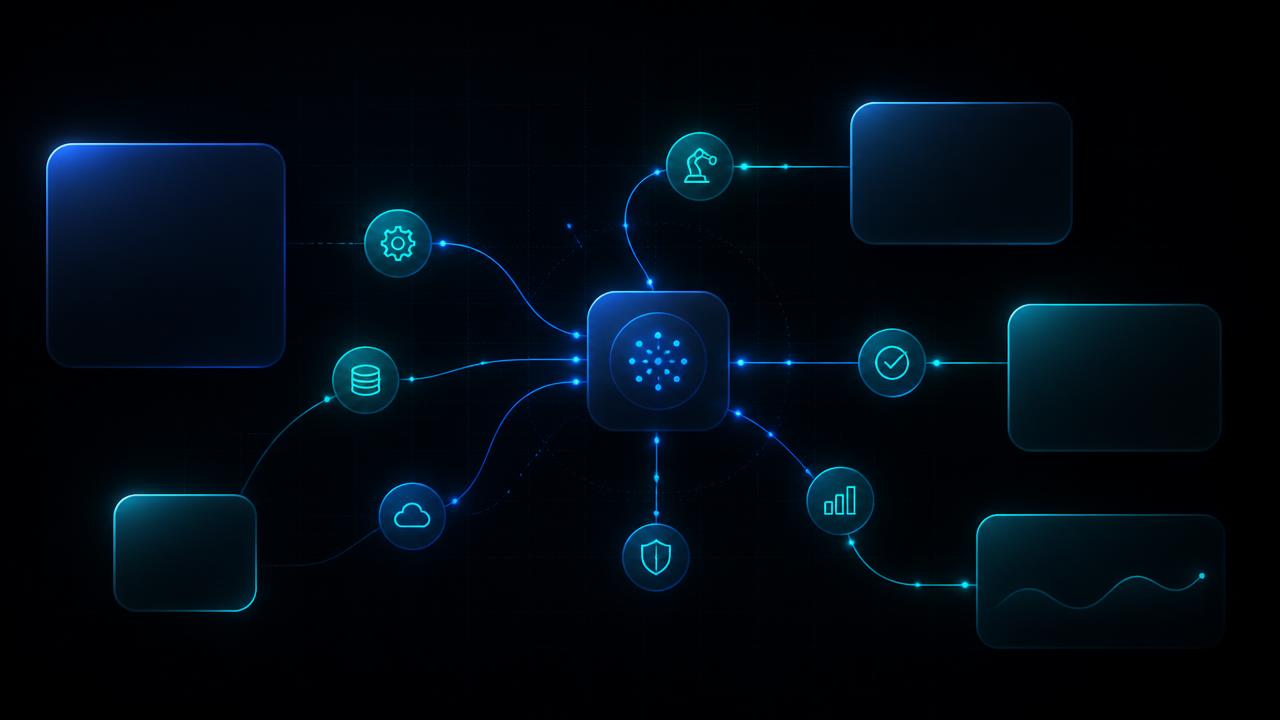
Small businesses rarely lose money on one big failure. They lose it in fifteen-minute increments: an enquiry answered a day late, a quote rebuilt from scratch, an invoice retyped into accounting, a client onboarded from memory. Multiply that across a week and it is the equivalent of an unpaid part-time employee.
Workflow automation removes those increments. It is not an enterprise programme and it does not require a data team. It is a set of small, well-scoped systems that move work between the tools you already pay for, with a person reviewing only what genuinely needs judgement.
Where to start
Four workflows worth automating first
Each is frequent, rule-based, and easy to measure, which is exactly what makes automation pay back quickly.
1. Enquiry intake and response
Manual today: Enquiries land in email, WhatsApp, and a web form, and get answered when someone notices them.
Automated: Every enquiry is captured into one place, enriched, scored, and answered with a first reply in minutes. Anything unusual is escalated to a person with the context attached.
Measure: Time to first response, and the share of enquiries that get one.
2. Quotes and invoicing
Manual today: Pricing is rebuilt by hand in a spreadsheet, then retyped into an invoice and again into the accounting system.
Automated: Approved inputs generate the quote from your pricing rules, convert to an invoice on acceptance, and sync to accounting with a review step for exceptions.
Measure: Hours per week on billing admin, and days sales outstanding.
3. Client onboarding
Manual today: A new client triggers a scramble of welcome emails, folder creation, contract chasing, and kick-off scheduling.
Automated: One trigger fires the whole sequence: documents out, workspace created, tasks assigned, reminders chasing anything outstanding until it is done.
Measure: Days from signature to first delivery milestone.
4. Follow-up and reporting
Manual today: Deals go quiet, notes never make it into the CRM, and the numbers only appear at month-end.
Automated: Call summaries write themselves into the CRM, follow-ups are drafted on a schedule, and a weekly plain-language digest shows what changed and what needs attention.
Measure: Pipeline coverage and the number of deals with no recent contact.
Selection
How to tell if a workflow is worth automating
- It runs at least several times a week.
- The inputs arrive in a predictable format such as a form, email, or PDF.
- The decisions follow rules you can write down.
- Mistakes are recoverable and visible, not silent.
- You can name the metric it should improve before building it.
If a process fails three or more of these tests, fix the process before automating it. Automation makes a good process faster and a broken process fail faster.
- 1
Week 1: pick one workflow
Choose the process that is frequent, rule-based, and painful. Frequency matters more than complexity, because savings compound with volume.
- 2
Week 1: baseline the numbers
Record how long the task takes, how often it runs, and where it breaks. Without a baseline you cannot prove the return later.
- 3
Week 2: map the real process
Write out the actual steps including the exceptions people handle by instinct. Exceptions are where automations quietly fail.
- 4
Week 2 to 3: build in your existing stack
Connect the tools you already use rather than migrating. Add an AI step only where judgement or unstructured text is involved.
- 5
Week 3: test with real cases
Run historical examples through it, including the awkward ones, and keep a human review step until confidence is proven.
- 6
Week 4: measure, train, expand
Compare against the baseline, hand operation to your team, then reuse the same foundation for the next workflow.
Tooling
Choosing workflow automation tools
Pick for the stack you have, not the feature list you are shown.
Most small-business automation runs on three layers. A connector platform such as Make, Zapier, or n8n moves data between systems. A system of record, usually your CRM or accounting tool, holds the truth. An AI layer handles the parts that need reading, summarising, or classifying, such as parsing an invoice or drafting a reply.
Judge candidates on three things: does it connect natively to the tools you already use, can someone on your team edit it after handover, and does the pricing stay sane as volume grows. A cheaper tool that nobody can maintain is the most expensive option available.
You do not need to replace your software to automate it. Migration projects stall; connecting what already works does not.
Pitfalls
Five mistakes that waste the budget
- Buying a platform before defining the process it should run.
- Automating a rare annoyance instead of a frequent cost.
- Skipping the baseline, which makes ROI impossible to demonstrate.
- Removing human review on day one rather than tightening it over time.
- Building in a tool nobody on the team can maintain after handover.
FAQ
Common questions
Want to know which workflow to automate first?
Book a free automation audit. We map how work moves through your business, quantify the hours lost, and hand you a ranked plan you can act on with or without us.
Keep reading
AI Agents
AI Agents for Business: What They Do and Where to Start
11 min read
AI Readiness
CRM and Knowledge-Base Cleanup Before AI Deployment: A Practical Guide
10 min read
Client Onboarding
Client Onboarding Automation: A Practical Guide
10 min read